


Google DeepMind just made the mouse pointer smart for the first time in 50 years. Powered by Gemini, the new AI mouse pointer can “see” what you’re hovering over and respond to plain speech — point at a recipe, say “double these ingredients,” and it just works. Here’s how the demo works, what’s already live in Chrome, and why it changes the way you’ll use a computer.
What Google DeepMind Just Showed Off
On 12 May 2026, Google DeepMind published a blog post and a set of live demos for an AI-enabled cursor — basically, a mouse pointer that knows what it’s pointing at.
The team calls it the AI mouse pointer, and Gemini powers it, Google’s main AI model (Gemini, short for Google’s family of AI models, handles text, images, and voice).

DeepMind CEO Demis Hassabis posted on X that “Really cool work from the team reimagining the mouse pointer to be intelligent”, calling the prototype “pretty magical.” The pitch is simple: instead of opening a chatbot in a separate window and typing a long prompt, you just point and speak.
Why The Mouse Pointer Needed A Rethink
We’ve all hit the same wall. You’re working on something, you want AI help, so you switch to a chat window, describe what you’re looking at, paste in a screenshot, and then copy the answer back. It’s clunky. The pointer fix flips that whole model — instead of bringing your work to the AI, the AI follows your cursor.

DeepMind says it built four principles into the design that “shift the hard work of conveying context and intent from the user to the computer”. We think that’s the key idea here: the computer does the explaining, not you.
What The Demos Actually Do
So how does it actually work? DeepMind laid out four ideas guiding the AI mouse pointer:
- Maintain the flow. The pointer is always there, so the AI is always there — no app-switching.
- Show and tell. You point, the AI sees. No more <u>writing detailed AI prompts</u> to explain what you mean.
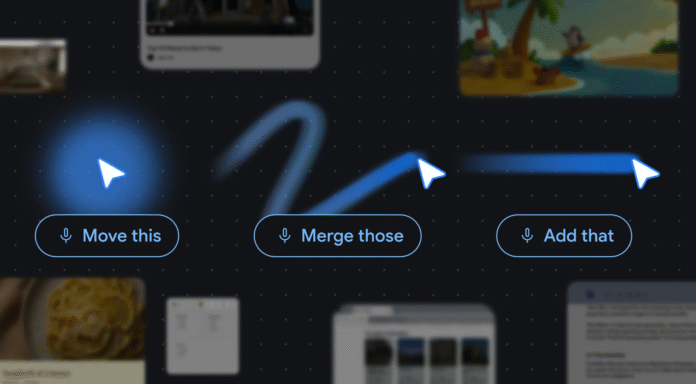
- Embrace the power of “This” and “That”. Short phrases like “fix this” or “what does this mean?” are enough.
- Turn pixels into actionable entities. The tech bends to how you already work, not the other way around.

The live demos in Google AI Studio are worth a try. You can hover over a table of numbers and ask for a pie chart. Point at a recipe and say, “double these ingredients.” Hover over a PDF and ask for a bullet-point summary you can paste into an email. A paused frame in a travel video can even surface a restaurant booking link.
Two demos are already live: one for image editing, one for searching maps. Both run in your browser.
Where You’ll See It First: Chrome And Googlebook
The bigger news is that this isn’t just a research demo. Google is rolling the AI mouse pointer into Chrome right now. You’ll be able to select a few products on a shopping page and ask Gemini to compare them, or point at a spot in your living room photo and ask it to visualise a new couch there.
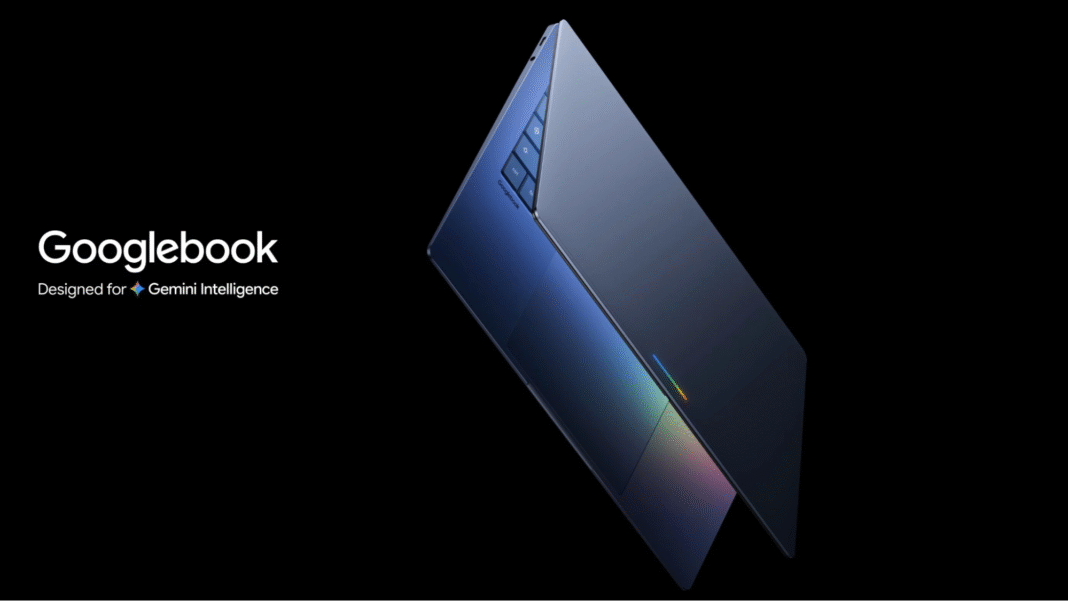
A version called Magic Pointer is also coming to Googlebook, Google’s new line of Gemini-powered laptops. That puts the same capability at the operating-system level, not just inside the browser.

According to reporting from NewsBytes, “DeepMind has not announced a product, release date, or specific Gemini model version powering the pointer behavior” — so treat these as previews, not finished products.
Privacy And The AI Security Tradeoff
Here’s where we need to be honest. A pointer that constantly “sees” what’s on your screen is also a pointer that’s constantly reading what’s on your screen. That raises real privacy questions — what gets sent to Google’s servers, what stays local, who has access.
It also matters because AI is now a two-way attack surface. We covered earlier this week how hackers used AI to build a Google 2FA bypass exploit — the first confirmed case of AI being used to find and weaponise a real-world flaw.
The smarter and more deeply embedded an AI becomes in your daily workflow, the more interesting it becomes to attackers. Prompt injection attacks against models like Gemini have already shown up in the wild.
The flipside is that an always-on AI assistant could also make spotting scams and weird behaviour easier — if Google builds the guardrails right.
Why This Matters For You
If you’ve never used an AI tool before, this is probably the version you’ll actually try. There’s no prompt to write, no separate app to open, no jargon to learn. You just point at the thing you want help with and say what you want done.
For the rest of us, the AI mouse pointer is the clearest sign yet that AI is moving out of the chat window and into the rest of the computer. The interesting question isn’t whether it works in a polished demo — it’s whether it’ll feel useful at 11 pm when you’re trying to finish something.
The post New Google DeepMind’s AI Mouse Pointer: Gemini Reinvents How You Click appeared first on Memeburn.