




AI models are getting more aggressive on speed, reasoning, coding, and price, and the gap between them is becoming harder to ignore. For you, that means the best AI models in 2026 depend on what you need most: better answers, faster results, lower costs, or stronger creative help. Here’s how the top models compare, what each one does best, and how to choose the right fit for your needs.
Best AI Models at a Glance: Our Top Picks
| AI Models | Context Window | Pricing (Input/Output per 1M tokens) | Speed | Best For | Score |
| GPT 5.5 | 1M | $5/$30 | Matches prior gen | Interactive coding | 9.2 |
| Gemini 3.1 Pro | 1M | $2/12$ | 105 t/s | Long-context tasks | 9.5 |
| Kimi K2.6 | 256K | $0.74/$3.49 | 24 t/s | Agentic automation | 8.8 |
| Claude Opus 4.6 | 1M | $5/$25 | Fast mode 6x premium | Complex reasoning | 9.4 |
| Grok 4.20 | 2M | $2/$6 | Industry-leading | Agentic tool-calling | 9.1 |
| DeepSeek V4 | 1M | $1.74/$3.48 | Efficient long-context | High-volume workloads | 8.7 |
| Qwen 3.6 Plus | 1M | $0.325/$1.95 | High-throughput | Multimodal coding | 8.9 |
What Makes an AI Model the Best?
The best AI models solve a specific problem well. We look at how reliably a model gives accurate, useful outputs while balancing cost, speed, and contextual reasoning.
AI is already reshaping work. Estimates show that 6 to 7% of the U.S. workforce is at risk of displacement due to AI, which means the model you choose can directly affect how you work and compete. Here is what makes an AI model the best:
- Accuracy and Reliability. We check how often the model gets answers right, especially for coding, writing, and analysis. If it fails often, it’s not useful.
- Contextual Reasoning. A model’s ability to understand long inputs and follow instructions matters for complex tasks. Larger context windows help when you’re working with long documents or multi-step workflows.
- Speed. Response time affects how efficiently you can work. Some models reply instantly, while others take longer but deliver more detailed outputs.
- Cost. Usage costs add up quickly. We compare how much you pay per request and how much value each model delivers for that price.
- Task Fit. Different models perform better on different tasks. Some handle coding well, others focus on writing, while some are built for large datasets or multimodal inputs like text and images.
7 Best AI Models Reviewed
The AI landscape is evolving fast, with each model pushing new limits on reasoning, speed, cost, and how much information it can handle at once. You’re no longer choosing between good and bad tools; you’re choosing between models that excel in very different areas depending on what you need.
We’ve broken down the top performers based on real-world use, focusing on what each model does best, where it struggles, and how it fits into everyday tasks like writing, coding, research, and automation. Here are the 7 Best AI Models Reviewed.
1. GPT 5.5 – Best For Interactive Coding
GPT 5.5 extends OpenAI’s large language model (LLM) stack with stronger support for coding, debugging, and structured problem-solving. It launched as part of OpenAI’s move to bring AI deeper into production workflows, where speed and accuracy matter. For development work, it helps you build features, test logic, fix errors, and explain code without constantly switching tools. Its main strength is keeping code and plain-English instructions connected in the same workflow.
During live coding sessions, GPT 5.5 works best when you need back-and-forth support instead of one-off answers. You can ask it to review a function, improve it, explain the trade-offs, and then help adjust the next version. Longer prompts still stay manageable because the 1M context window gives the model room to track details. That makes it useful when your task has several moving parts.
Key Features
- Strong coding and debugging performance
- 1M context window
- Handles structured prompts well
- Stable multi-step execution
Pricing and Plans
- $5 input / $30 output per 1M tokens
- Premium tier
- API and subscription access
Pros and Cons
| Pros | Cons |
| Accurate code generation | Higher cost |
| Handles long prompts well | Not the fastest |
| Reliable for debugging | Expensive at scale |
| Works across mixed tasks | No real-time data focus |
| Strong reasoning for dev tasks |
2. Gemini 3.1 Pro – Best For Long-context Tasks
Gemini 3.1 Pro expands Google’s model line with stronger long-context processing across text, images, and documents. It launched with upgrades built for large prompts, faster output, and workflows that depend on heavy information handling. When your work involves reports, datasets, PDFs, or long research notes, it helps reduce the need to split everything into smaller prompts. Google’s ecosystem also makes it easier to connect the model with tools many people already use.
Long-context work becomes easier when the model can keep more information in view at once. Gemini 3.1 Pro’s 105 tokens per second speed helps when you’re asking repeated questions across large files. Its multimodal support also matters when your inputs include charts, images, or documents, not just plain text. That makes it a strong pick for research, analysis, and content-heavy tasks.
Key Features
- 1M context window
- 105 tokens per second speed
- Multimodal input support
- Handles large documents
Pricing and Plans
- $2 input/output variable
- Mid-range pricing
- Available via Google AI tools
Pros and Cons
| Pros | Cons |
| Strong long-context handling | Output pricing unclear |
| Fast processing speed | Reasoning varies |
| Works with multiple data types | Ecosystem lock-in |
| Good for research workflows | Less stable on edge cases |
| Efficient at scale |
3. Kimi K2.6 – Best For Agentic Automation

Kimi K2.6 is built for workflows that need continuity across many steps. It gained attention for handling extended interactions without losing track of the task. When you’re building AI agents, it can support work like data extraction, task routing, follow-up actions, and repeated automation steps. The K2.6 appeal comes from keeping automation steady without pushing costs too high.
Key Features
- 256K context window
- Designed for AI agents workflows
- Cost-efficient usage
- Maintains long task chains
Pricing and Plans
- $0.74 input / $3.49 output per 1M tokens
- Lower-cost tier
- Built for scaling
Pros and Cons
| Pros | Cons |
| Low cost for automation | Smaller context window |
| Handles long workflows | Slower speed |
| Good for structured tasks | Limited creativity |
| Efficient scaling | Less refined outputs |
| Stable task continuity |
4. Claude Opus 4.6 – Best For Complex Reasoning
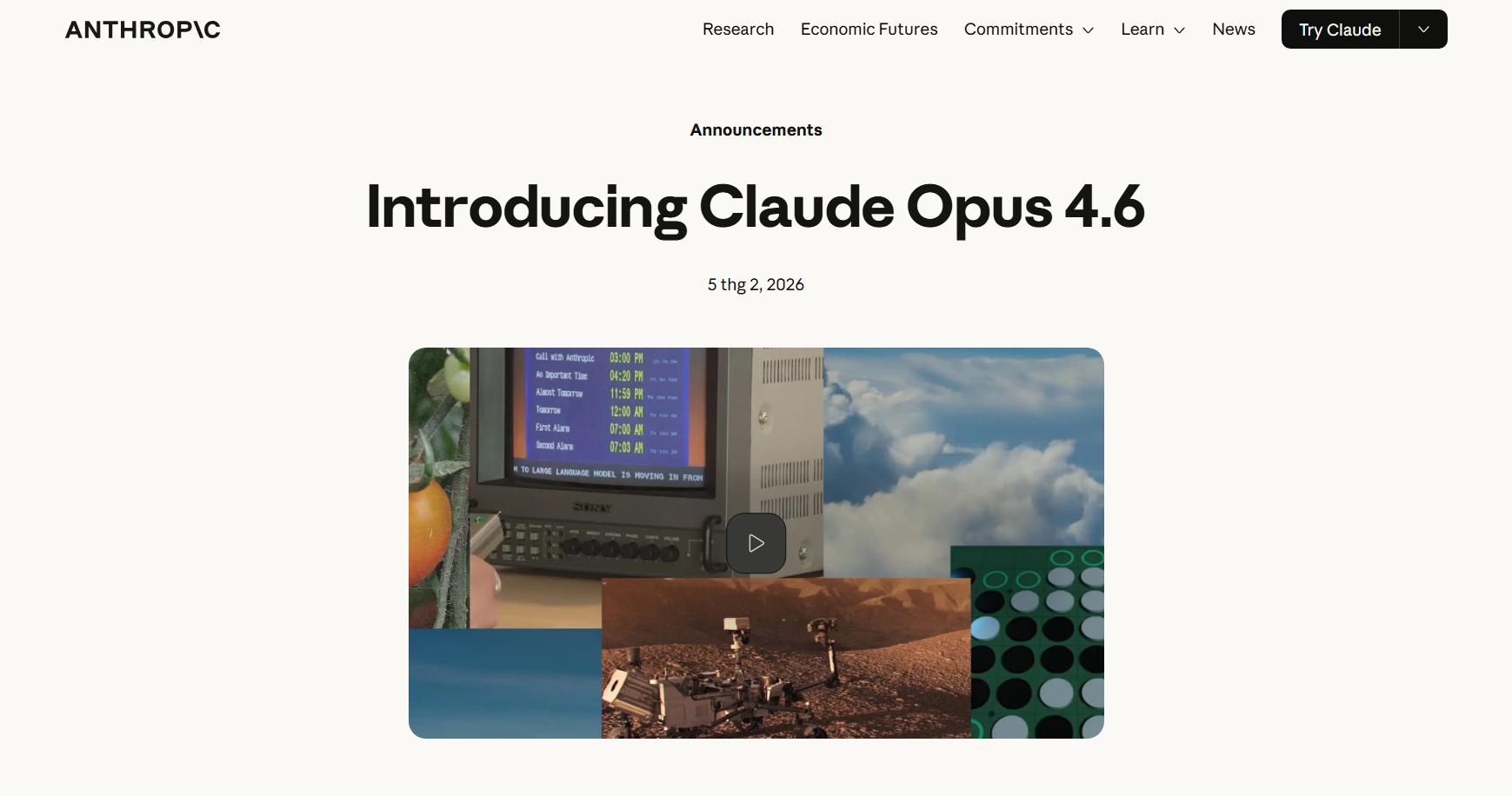
Claude Opus 4.6 builds on Anthropic’s focus on careful reasoning, safety, and controlled outputs. It launched with stronger instruction handling for tasks that need more than quick answers. For work that depends on research quality, compliance checks, or detailed analysis, it gives you a more structured way to break down complex problems. Claude excels on reasoning-heavy benchmarks also explains why many people treat it as a serious analysis model.
Key Features
- 1M context window
- Advanced reasoning focus
- Strong instruction handling
- High alignment controls
Pricing and Plans
- $5 input / $25 output per 1M tokens
- Premium tier
- API and enterprise access
Pros and Cons
| Pros | Cons |
| Strong reasoning depth | Higher cost |
| Structured outputs | Slower in deep mode |
| Handles complex prompts | Not real-time optimized |
| High reliability | Less cost-efficient |
| Good for analysis tasks |
5. Grok 4.20 – Best For Agentic Tool-Calling

Grok 4.20 focuses on connecting AI responses with live systems and external tools. It launched as part of xAI’s push toward more real-time, action-ready AI. For tool-based workflows, it helps you move beyond text generation into tasks that depend on calls, triggers, and connected systems. Its 2M context window also gives it room to handle large instructions or long tool chains.
Key Features
- 2M context window
- Tool-calling support
- Fast response speed
- Real-time data access
Pricing and Plans
- $2 input / $6 output per 1M tokens
- Mid-tier pricing
- Platform integrations
Pros and Cons
| Pros | Cons |
| Real-time capabilities | Weak reasoning depth |
| Large context window | Depends on external data |
| Fast responses | Output varies |
| Tool integration | Less stable logic |
| Flexible workflows |
6. DeepSeek V4 – Best For High-volume Workloads
DeepSeek V4 majors on scale, efficiency, and lower usage costs. It became notable for offering strong output at a lower price than many premium models. When your workload involves batch processing, repeated prompts, or automation pipelines, it helps keep costs predictable. Its position as a practical single model option makes sense for teams that need one system to handle many routine tasks.
Key Features
- 1M context window
- Efficient long-context handling
- Strong coding support
- Built for scale
Pricing and Plans
- $1.74 input / $3.48 output per 1M tokens
- Cost-effective tier
- Suitable for large workloads
Pros and Cons
| Pros | Cons |
| Low cost at scale | Limited reasoning depth |
| Efficient processing | Weak multimodal support |
| Good for coding tasks | Output consistency varies |
| Handles batch workloads | Fewer advanced features |
| Strong cost-performance ratio |
7. Qwen 3.6 Plus – Best For Multimodal Coding
Qwen 3.6 Plus expands Alibaba’s model lineup with support for coding, multilingual work, and multimodal inputs. It launched with improvements aimed at enterprise use, especially where teams work across languages and data types. For global workflows, it helps you combine text, code, and mixed inputs without relying on separate tools for every task. Its low pricing also makes wider rollout easier.
Key Features
- 1M context window
- Multimodal support
- Multilingual capabilities
- Coding performance
Pricing and Plans
- $0.325 input / $1.95 output per 1M tokens
- Low-cost tier
- Global deployment ready
Pros and Cons
| Pros | Cons |
| Very affordable | Less consistent outputs |
| Strong multilingual support | Limited ecosystem |
| Handles mixed data types | Not top-tier reasoning |
| Good for global use | Fewer integrations |
How to Choose the Best AI Model for Your Use Case
You can choose the best AI model based on the following metrics:
1. Define Your Agent Task Type
- Start with the task, not the model name.
- Choose a coding-focused model if you need help with debugging, refactoring, or building features.
- Pick a long-context model if you work with reports, PDFs, research notes, or large datasets.
- Use an automation-focused model if your workflow needs repeated steps, tool calls, or task routing.
- Match the model to the outcome you need, such as cleaner code, faster research, better writing, or lower-cost automation.
2. Balance Accuracy, Latency, and Cost
- Accuracy matters most when mistakes can create real problems, such as legal reviews, financial analysis, or production code.
- Latency means response time. A faster model helps when you need quick replies, live support, or high-volume processing.
- Cost becomes important when you send many prompts every day.
- A premium model can make sense for complex work, while a cheaper model may be better for repeated tasks.
- The best choice is the model that gives you the right answer at the right speed for a price you can manage.
3. Review Security, Privacy, and Compliance Needs
- Check how the model provider handles your data before sending private documents, customer records, or internal files.
- Look for enterprise controls if you work in healthcare, finance, education, or government.
- Review whether prompts and outputs may be stored, used for training, or shared across systems.
- Choose models with stronger privacy settings when your work includes sensitive information.
- Keep confidential tasks inside approved tools, not random public chatbots.
4. Decide Between Text-Only and Multimodal AI Models
- Text-only models work well for writing, coding, summarizing, and research.
- Multimodal AI models can handle more than text, including images, screenshots, charts, PDFs, and scanned documents.
- Choose multimodal support if your work includes visual information or document-heavy tasks.
- Avoid paying for multimodal features if you only need clean text outputs.
- Match the input type to your daily workflow so you’re not overpaying for features you won’t use.
5. Test, Evaluate, and Refine Your Choice
- Test each model with your real tasks, not generic prompts.
- Compare output quality, speed, cost, and how often you need to correct the answer.
- Run the same prompt across two or three models before choosing one.
- Track weak spots, such as hallucinations, missed instructions, slow replies, or poor formatting.
- Keep refining your choice because the AI market changes quickly, and the best model today may not stay the best for long.
Best AI Model for Each Use Case
Different tasks need different strengths. A model that works well for coding may not be the best fit for research, and a fast model may not give enough depth for analysis. Matching the model to the job helps you avoid wasted time, higher costs, and weak results. Here are the best AI models for each use case.
1. Coding & Software Development
GPT 5.5 is the strongest fit when you need help with debugging, refactoring, and building features step by step. DeepSeek V4 works better for high-volume coding tasks where cost and efficiency matter. Claude Opus 4.6 is useful when you need careful logic review, Claude code explanation, or support with complex systems.
2. Writing & Content Creation
GPT 5.5 works well for structured blogs, scripts, outlines, and technical content, which helps strengthen your digital skills, improving growth circle over time. Claude Opus 4.6 is better when you need stronger reasoning, cleaner tone control, or deeper explanations. Gemini 3.1 Pro helps when your writing depends on long documents, research notes, or mixed sources.
3. Data Analysis & Research
Gemini 3.1 Pro is a strong choice for reports, datasets, and research notes because it can handle long inputs without losing context. Claude Opus 4.6 works well when you need to findings comparison, explain patterns, or check assumptions. Kimi K2.6 fits structured research workflows that involve repeated steps.
4. Customer Support
GPT 5.5 helps you create clear answers for common support questions. Grok 4.20 fits support workflows that depend on live data, tools, or changing product information. Qwen 3.6 Plus is useful when you need multilingual support across different regions.
5. Image & Document Processing
Gemini 3.1 Pro stands out when you need to work with PDFs, images, charts, and mixed document inputs. Qwen 3.6 Plus works well for tasks that combine text, visuals, and structured data. Grok 4.20 helps when document processing needs live system access or tool-based actions.
6. Business Automation & Workflows
Kimi K2.6 is a strong fit for automation pipelines that need memory across multiple steps. DeepSeek V4 works better when you’re running repeated tasks at scale and need to control costs. Grok 4.20 fits workflows that depend on tool-calling, live data, or real-time execution.
AI Model Trends to Watch in 2026
AI models are moving beyond chat and into execution. We’re seeing a shift where models don’t just answer questions, they plan tasks, call tools, and complete workflows. That change affects how you work because the value is no longer just in output quality, but in how much work the model can handle on your behalf.
Competition is also pushing rapid improvements across speed, cost, and capability. New models are released in shorter cycles, and no single provider dominates the space for long. For you, that means switching between models based on task becomes more practical than sticking to one option.
Cost, scale, and flexibility are shaping how models get used in real workflows. Lower pricing models are gaining traction for high-volume tasks, while premium models still lead in reasoning-heavy work. The AI is equally shaping the workflow as companies continue to leverage it to improve productivity.
Our Verdict
No single model leads across every task, so the right choice depends on what you need to get done. We find GPT 5.5 and Claude Opus 4.6 deliver the most reliable results for coding and reasoning, while Gemini 3.1 Pro stands out for long-context work. Lower-cost options like DeepSeek V4 and Qwen 3.6 Plus make more sense when you’re running tasks at scale. The best setup often involves using more than one model instead of relying on a single option.
FAQs
What is the best AI model in 2026?
The best AI model in 2026 depends on your task. We see GPT 5.5 and Claude Opus 4.6 lead in reasoning and coding, while Gemini 3.1 Pro excels at long-context work. You’ll often get better results by using different models for different tasks instead of relying on one.
Which AI model is best for coding?
GPT 5.5 is the strongest overall choice for coding because it handles debugging, refactoring, and multi-step logic well. DeepSeek V4 works better for high-volume coding at lower cost, while Claude Opus 4.6 helps when you need deeper code explanations or careful review.
What is the difference between open-source and closed-source AI models?
Open-source AI models let you access, modify, and run the code yourself, often at lower cost but with more setup. Closed-source models are controlled by companies, easier to use, and more polished, but you depend on their pricing, limits, and data policies.
Is GPT-5.5 better than Claude Opus 4.6?
GPT 5.5 is better for speed, coding, and general-purpose tasks, while Claude Opus 4.6 is stronger for complex reasoning and structured analysis. The better choice depends on your task, not the model alone, so testing both often gives the clearest answer.
How can I reduce costs when using AI models at scale?
You can reduce costs by using cheaper models like DeepSeek V4 for repetitive tasks, limiting token usage, and routing simple queries away from premium models. Testing multiple models and matching each task to the lowest-cost option that works is the most effective approach.
The post 7 Best AI Models of 2026: Ranked by Real-World Performance appeared first on Memeburn.

